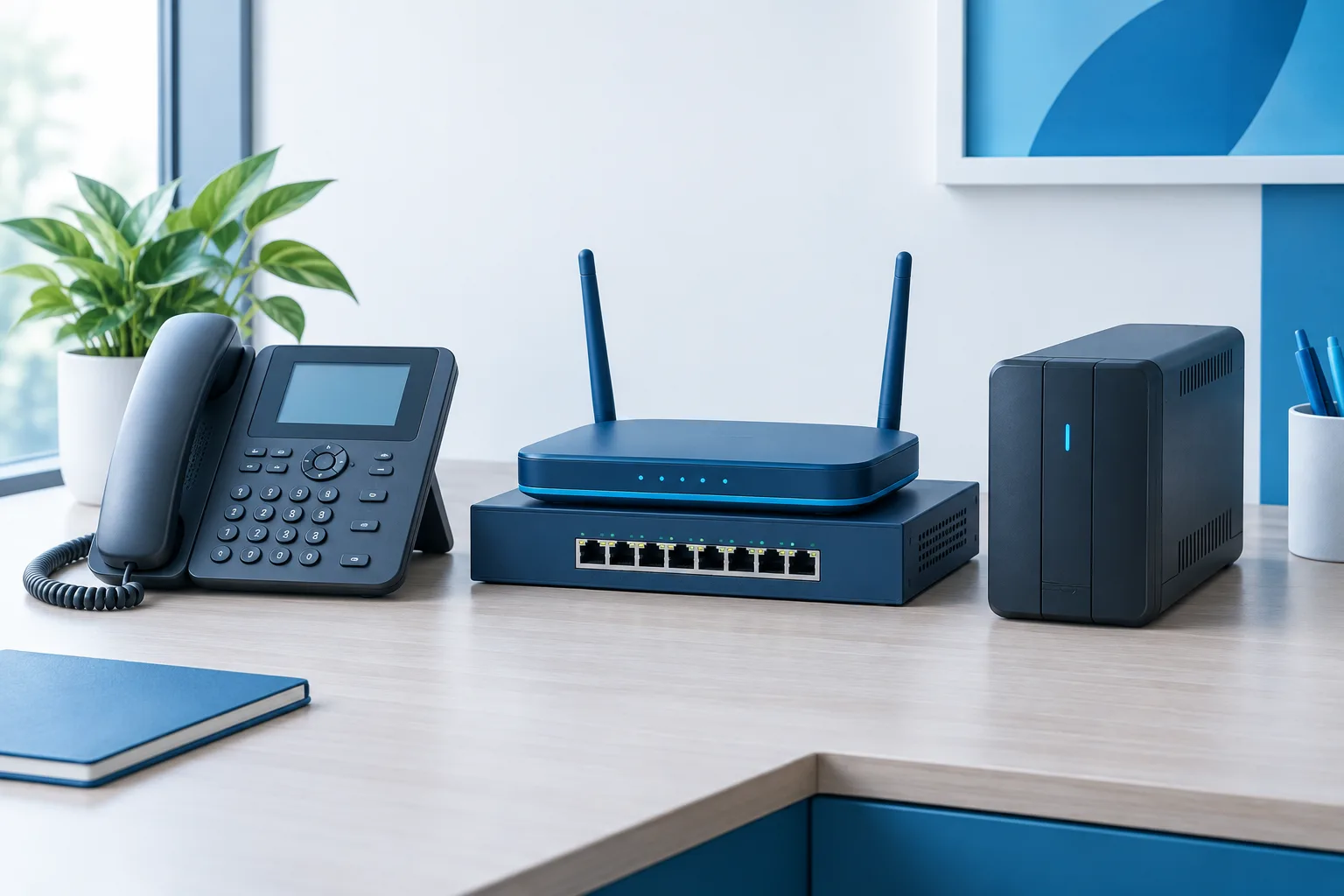
A business VoIP outage can mean different things depending on what failed. If the internet is down, powered desk phones may lose their connection. If the power is out, the phones and the network equipment they depend on may stop working too. And even if your VoIP provider is still receiving calls, those calls need a preconfigured route to reach your staff.
The practical takeaway is to plan for internet and power failures separately. Know which equipment needs backup power, decide where calls should go during an outage, and test the plan before you need it.
What happens to VoIP during an internet outage?
VoIP carries calls over an internet connection. If your office loses internet service, phones that rely on that connection generally cannot place or receive calls through the usual setup. The handsets may still have power, but they cannot reach the phone service over a connection that is unavailable.
With a hosted or cloud phone system, your provider may still be able to receive calls to your business number. That does not automatically mean someone in your office can answer them. To keep calls reaching a person, configure an alternate route in advance, such as forwarding to an appropriate mobile number or sending calls to voicemail.
A secondary internet connection can help, but only if your network and phone system are configured to use it. Ask your provider or IT support team what happens when the primary connection fails, which phones or locations would switch over, and whether the backup connection has enough capacity for business calls.
What happens during a power outage?
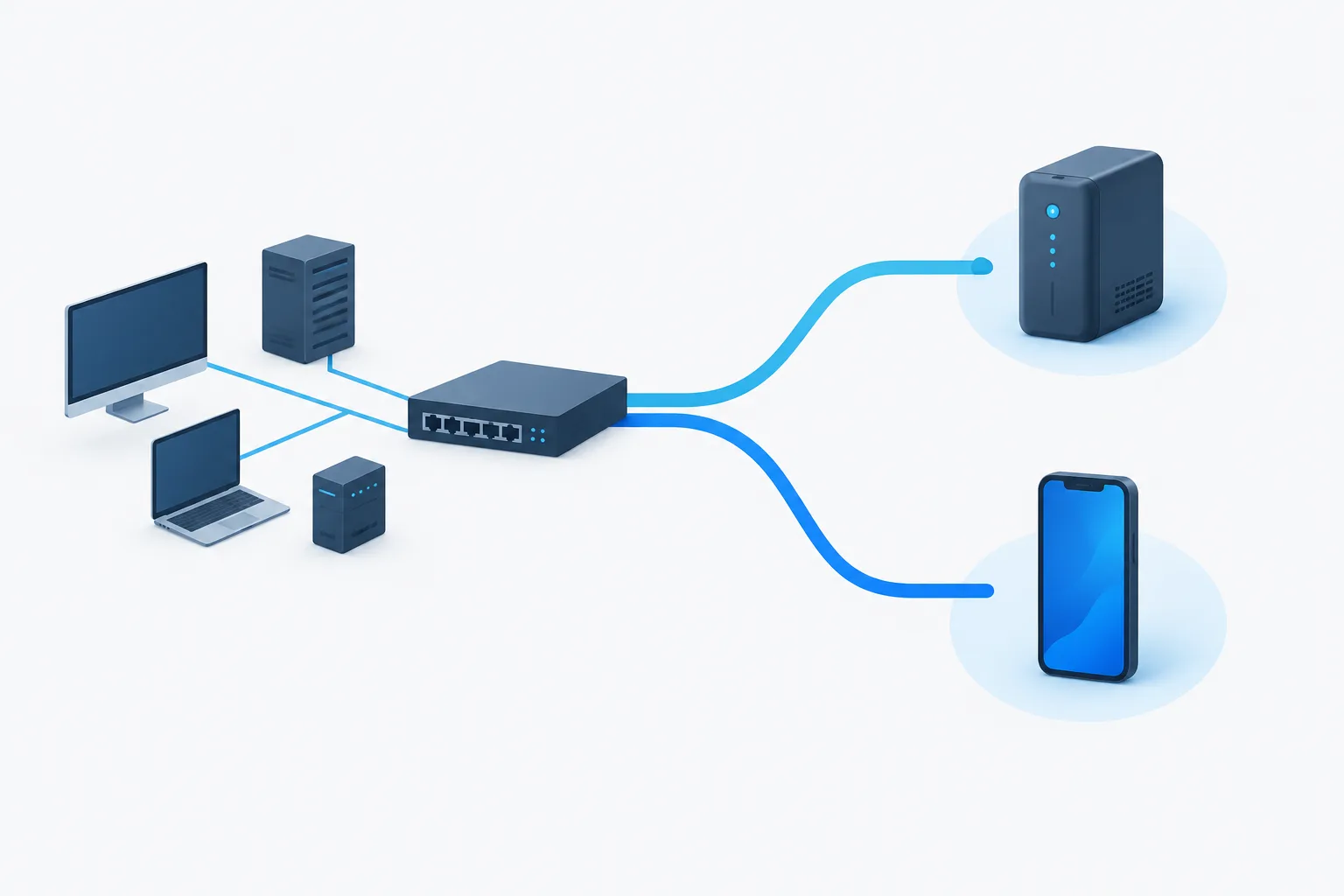
A VoIP phone needs power, and so does the network equipment connecting it to the phone service. Depending on your setup, that path may include a modem or fiber terminal, a router, a network switch, and a desk phone. Phones that receive power through a network cable still depend on the switch supplying that power.
If any necessary device loses power, the call path may be interrupted. Keeping only the handset powered is not enough if the modem, router, or switch is off. A battery backup, often called a UPS, can help keep selected equipment running temporarily, but it does not restore an internet connection that has also failed.
Make a list of the equipment your phones rely on, then identify which items need backup power. Check the equipment instructions and have your IT support team confirm how the devices are connected. A UPS supports continuity only for the equipment connected to it, and its available runtime depends on the setup and the load.
Can customers still call your business number?
Possibly, but it depends on the phone service and the outage settings you have in place. With a hosted system, a provider may continue handling calls even when your office connection is unavailable. If calls are not routed to an alternate destination, callers may instead hear a voicemail greeting or encounter another result defined by your phone system.
Do not wait until an outage to decide what customers should hear. Review your provider's options for forwarding, voicemail, and after-hours or outage routing. Choose a destination that someone will monitor, and make sure the person receiving forwarded calls knows how to handle them.
If your business is considering a phone system change, see how to keep your business number when switching to VoIP. Number continuity and outage routing are related planning questions, but they are not the same thing.
Build an outage plan before you need one
A useful plan does not have to be complicated. It should explain what employees should do, where incoming calls will go, and how the business can communicate if the usual phone setup is unavailable.
- Map the call path. Identify the internet connection, network equipment, phones, and phone service involved in making and receiving calls.
- Choose an alternate route. Decide whether calls should forward to a mobile phone, a different location, or voicemail. Confirm that the option works for your phone system.
- Review backup connectivity. Ask whether a secondary internet connection is available and whether the network can fail over to it. Do not assume that a backup connection will activate automatically.
- Plan backup power. Identify which network devices and phones need power, and confirm which of them are connected to backup power.
- Set expectations for callers. Prepare a voicemail or alternate greeting that tells callers how to reach the business or when to expect a response.
- Share staff instructions. Make sure employees know how to use the alternate calling method and who is responsible for checking messages.
For broader preparation, the Florida Division of Emergency Management's business planning resource can help inform your continuity planning. You can also review business backup management considerations as part of a wider plan for keeping operations available.
Pay special attention to emergency calling
VoIP emergency calling may be unavailable when the internet, power, or required network equipment is down. It can also depend on whether the phone service has the correct registered service address. For businesses with multiple offices or phones that may be moved, confirm with your provider how emergency calling location information is maintained.
The FCC's 911 communications continuity materials address the role of power and service availability in VoIP emergency calling. Make sure staff understand that an office VoIP phone may not be usable to call 911 during an outage. Identify an alternate working phone and tell employees how to share their location when seeking emergency help. Follow your provider's instructions for emergency-call testing rather than placing a test call to 911.
Test your plan safely
A plan is only useful if the people and settings involved are ready. Schedule a controlled test with your phone provider or IT support team. Confirm that calls follow the expected route when the primary internet connection is unavailable, that voicemail can be checked, and that the designated person can answer calls on the alternate device.
Review power backup as well. Confirm that the intended network devices are connected to the UPS, then ask your IT support team how to verify the setup without disrupting business operations. Record what worked, update staff instructions, and revisit the plan when phone equipment, internet service, office locations, or call-handling needs change.
Frequently asked questions
Will a UPS keep my VoIP phone system working?
It can keep connected equipment powered for a period of time, but it will not restore internet service. The modem or fiber terminal, router, switch, and phones may all need backup power for the call path to remain available.
Can VoIP calls automatically forward to cell phones during an outage?
Some systems support alternate call routing, but the destination and outage behavior need to be configured in advance. Ask your provider how to set it up and test that calls reach the intended person.
Can I call 911 from a VoIP phone during an internet or power outage?
Not necessarily. If the connection, power, or required equipment is unavailable, the VoIP phone may not be able to place the call. Confirm your service address with your provider and make sure staff know an alternate way to contact emergency services.
How can a small business test its VoIP outage plan?
Arrange a controlled test with your phone provider or IT support team. Check the alternate call route, voicemail access, backup connectivity, and staff instructions without making a test call to 911.
Keep your business reachable
VoIP can support flexible business calling, but internet-based phones depend on connectivity, power, and a plan for routing calls when the normal setup fails. Zevonix provides business VoIP solutions along with managed IT support, network management, and business continuity planning. To review your phone system's outage readiness, call (386) 260-0777.