
Small office call routing needs to do more than make phones ring. It should help callers reach someone who is working, give them a clear next step when nobody is free, and make sure messages do not disappear into an inbox no one checks.
A reliable setup starts with a straightforward flow: route the main number to the people available, send unanswered calls to a named backup, then offer shared voicemail or a useful after-hours message. The right details depend on your staff schedules, how quickly calls need attention, and what your phone system supports.
Choose how calls should ring
For a shared business phone, there are three common approaches. Each can work well when it matches how the team actually covers calls.
- Ring everyone at once. A group of available staff receives the call together. This is easy to understand and can work for a small team where several people can answer. Agree on who takes ownership when two people answer or when a call is missed.
- Ring one person at a time. The system tries one person, then moves to another if the call is not answered. This can make ownership clearer, but the order should reflect who is on duty. Otherwise, calls may keep starting with someone who is unavailable.
- Use a queue or schedule-based routing. A queue can direct calls among available team members, while schedule rules can send calls to different destinations during working hours and when the office is closed. These features vary by phone platform, so confirm which options your system supports.
Think about coverage before choosing. If several people genuinely share responsibility, simultaneous ringing may be simplest. If one person is the first point of contact and another is backup, sequential ringing may fit better. A queue can help when multiple people regularly handle incoming calls and you need a more consistent process.
Microsoft's call-flow planning guide is one example of how a phone platform can organize destinations and fallback steps. Treat the exact features as platform-specific rather than assuming every VoIP system behaves the same way.
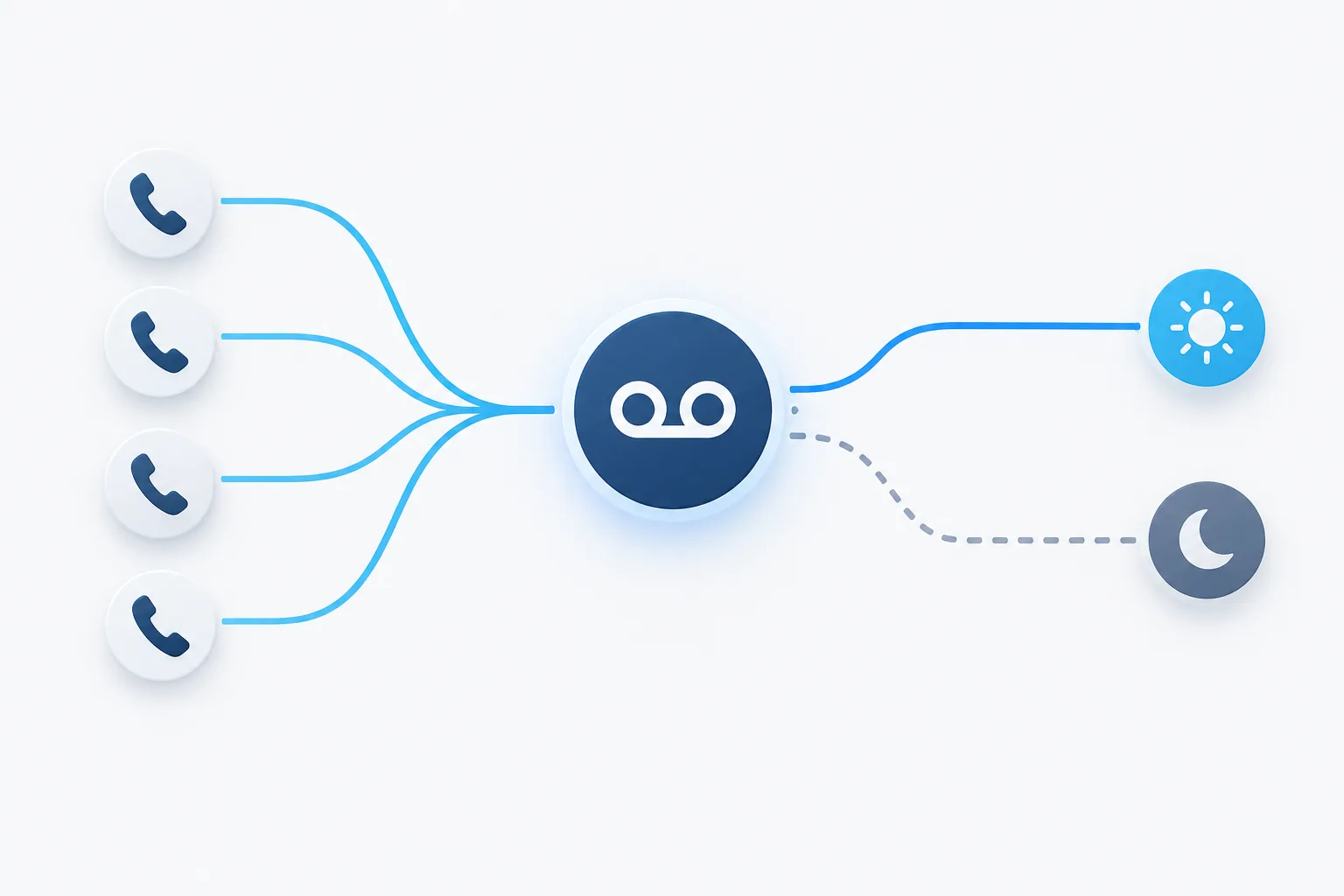
Build a clear call-routing path
Write down what should happen from the moment someone calls the main number. Keep the path easy to follow, and decide what each step is meant to accomplish.
- Send calls to the right people. During office hours, ring the staff who are scheduled and able to answer. Avoid including people who are away, in meetings, or not responsible for incoming calls.
- Set a backup destination. If the first group does not answer, send the call to another employee, a designated team, or a queue. Name who owns this backup so calls do not move through several destinations without anyone taking responsibility.
- Give callers a useful fallback. If nobody is available, offer a shared voicemail option or a short message explaining what the caller can do next. Make sure the message matches how quickly your office can respond.
- Handle closed hours and holidays separately. Use an after-hours greeting that makes it clear the office is closed and tells callers how to leave a message. Decide who updates holiday schedules and how a change is checked before it takes effect.
Keep the fallback paths distinct. A caller waiting during a busy period may need a different option from someone calling after hours. A holiday schedule also deserves a deliberate check rather than relying on someone to remember to change settings at the last minute.
Make shift changes part of the design
When employees work different schedules, call routing should follow the coverage plan, not an old list of extensions. If your phone system supports routing by schedule, confirm how changes are entered and when they become active. Do not assume a roster update immediately changes the live call flow.
Plan for handoffs, too. The person ending a shift should know whether any calls or messages still need attention, and the next person should know where to find them. Keep a backup route for gaps between shifts, unexpected absences, or a schedule that was not updated.
Check the setup with the actual staff who will use it. Confirm that the right phones ring, that unavailable employees are skipped when appropriate, and that a caller can still leave a message if the schedule does not match reality.
Give shared voicemail an owner
Shared voicemail for business is useful only when someone is responsible for reviewing and responding to messages. A common inbox without an owner can create uncertainty: employees may assume someone else returned the call, or several people may contact the same caller.
Agree on a simple voicemail process before turning on the feature:
- Assign a primary monitor and a backup. Make it clear who checks messages during each period of coverage.
- Choose how staff are notified. Confirm that the right people can see new messages and know where to access them.
- Set a return-call owner. Decide who follows up and how the team marks a message as handled.
- Limit access to the people who need it. Review shared access when responsibilities change.
- Check the greeting and mailbox regularly. Make sure the message is current and the mailbox can accept new calls.
Shared voicemail options depend on the platform. For example, Microsoft provides instructions for managing shared voicemail in Teams. Regardless of the system, confirm how notifications, access, and message handling work in your own setup.
Forward calls to mobile phones carefully
Business VoIP call forwarding can help when staff work away from the office or need to cover a shift from another location. Before forwarding calls to a mobile phone, decide whether the person should receive all calls, only overflow calls, or calls during a specific schedule.
Test the complete path, including what callers hear if the mobile phone is unreachable or the employee does not answer. Check where a missed call or voicemail lands, and make sure it is still visible to the person responsible for follow-up. Forwarding should extend the coverage plan, not create a separate channel that nobody monitors.
Check what happens during an outage
Call routing depends on more than the phone system. Office power, internet access, network equipment, and the devices staff use can all affect whether calls reach them. Decide in advance what callers should experience if one of those parts is unavailable.
Ask your provider what failover options are available, such as routing calls to an alternate destination or a mobile device. Confirm who can make changes, how to reach that person during an outage, and what the fallback message should say. For more on the connection between phone service and internet or power interruptions, read what can happen to business phones during an outage.
Also ask how emergency calls from shared office phones are handled. Confirm the system's emergency-calling setup with your provider, including the location information associated with the phones and what happens if a device is moved. Do not assume that a shared phone has the right configuration simply because it can place ordinary calls.
Test the call flow before relying on it
Walk through the setup as a caller and as an employee. Test calls during open hours, after hours, a break, and a holiday schedule. Check each ring group or queue, the no-answer path, voicemail notifications, and mobile forwarding. Verify that someone can retrieve a message and that the right person knows it needs a response.
Repeat those checks after staffing or schedule changes, phone-system updates, or changes to the office network. If something fails, update the call flow and test it again. A short, documented routing plan makes those checks easier and gives staff a shared reference when coverage changes.
Frequently asked questions
Should shared office phones ring everyone at once or one person at a time?
Use simultaneous ringing when several people share responsibility and any available person can answer. Use sequential ringing when you have a clear first contact and backup. Test the choice with your real staffing pattern.
Can a VoIP call queue use employee work schedules?
Some systems support schedule-based routing, but capabilities and update behavior vary. Confirm the feature with your provider, then test schedule changes and handoffs before relying on them.
What should happen when nobody is available to answer?
Send the caller to a defined backup or shared voicemail, with a greeting that explains what to do next. Assign someone to monitor and return those messages.
How can a mobile-forwarded call avoid becoming a missed message?
Test what happens when the mobile phone does not answer or cannot be reached. Confirm that the caller still reaches the intended voicemail or backup, and that the responsible employee is notified.
Make the call path clear and accountable
Good small office call routing gives callers a predictable next step and staff a clear responsibility for answering or following up. Start with the schedule, choose a ringing pattern that fits the team, define each fallback, and test the full path. To discuss your technology setup with Zevonix, call (386) 260-0777.